Learn about the latest features, integrations, and innovations powering your accounts receivables
Frictionless Payments
Just released
Seamlessly integrate with Stripe or Worldpay for one-click payments
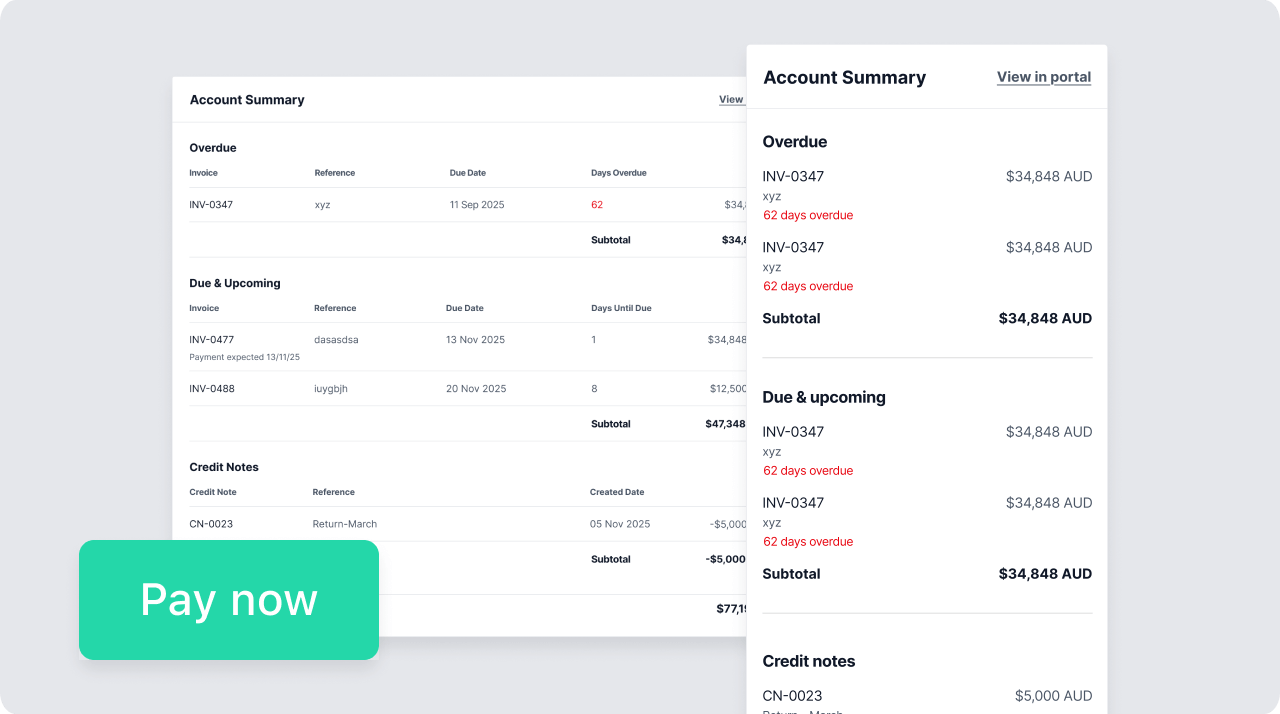
“Pay now” buttons in automated email reminders
Speed invoice resolution and offer flexible payment options by embedding one-click “pay now” buttons into reminder emails and SMS messages.
Link an existing Stripe or Worldpay account, or set one up in a few quick onboarding steps. Once integrated, Collect will automatically embed “pay now” buttons in every reminder email and SMS — powering instant payments via credit or debit card, bank transfer, or payment plans. Even better? Reconciliation to the integrated accounting platform happens automatically.
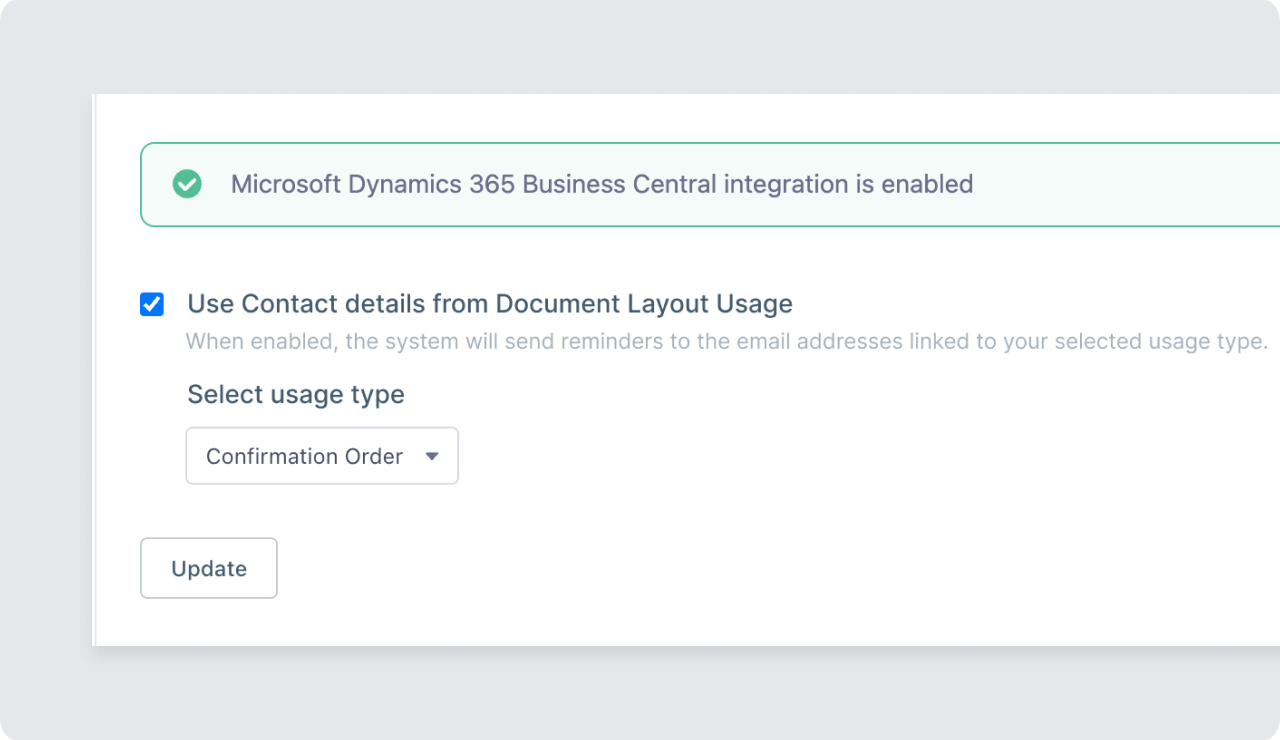
Microsoft Dynamics: Support for email addresses from document layouts
It’s now easier then ever to sync your accounting software data with Collect.
If your Collect account integrates with MS Dynamics, you can now tell Collect which report type you want to use when pulling in email addresses for reminders. This ensures that notices get sent to the right contact or team, rather than the default primary account contact — giving you greater control and confidence that your reminders are reaching the right people.
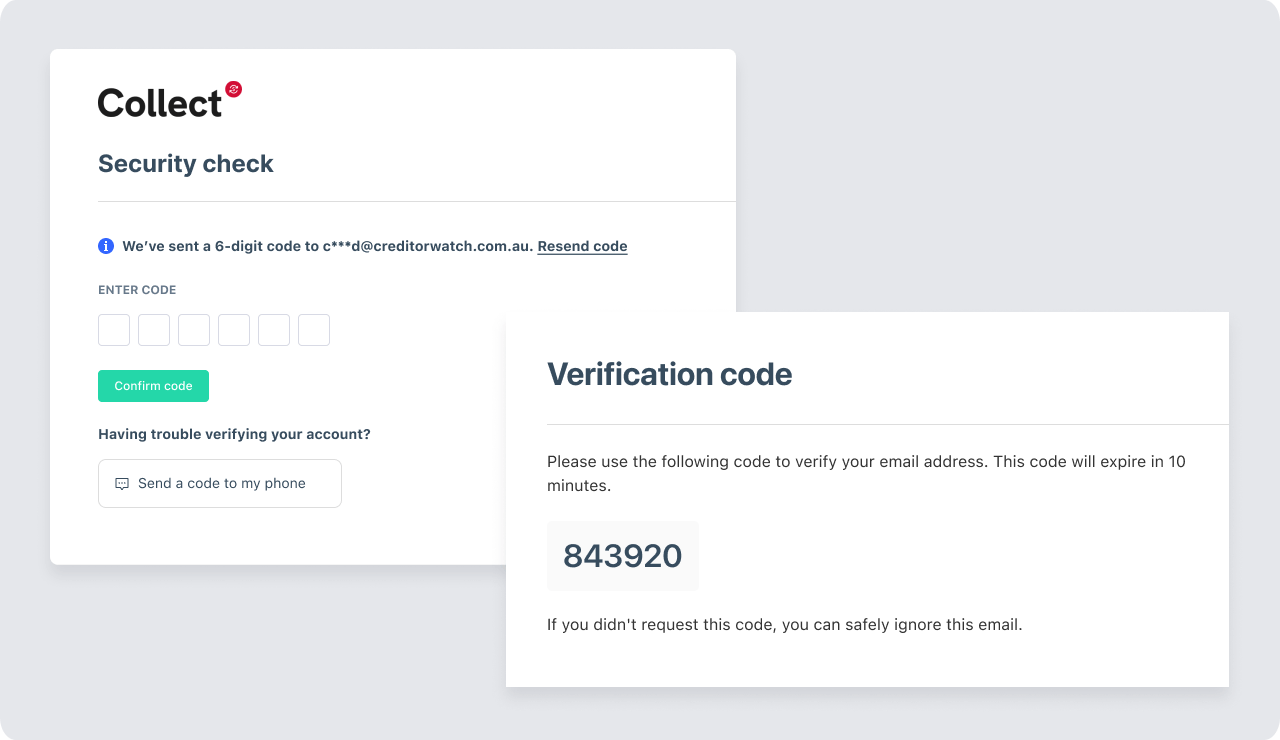
Set up two-factor authentication to protect your Collect account
Collect now has an added layer of security when you log in to protect your organisation from unauthorised access — even if one of your users’ passwords has been compromised.
After setting up 2FA, when you log in to Collect, you’ll be prompted to enter a one-time code in addition to your credentials.
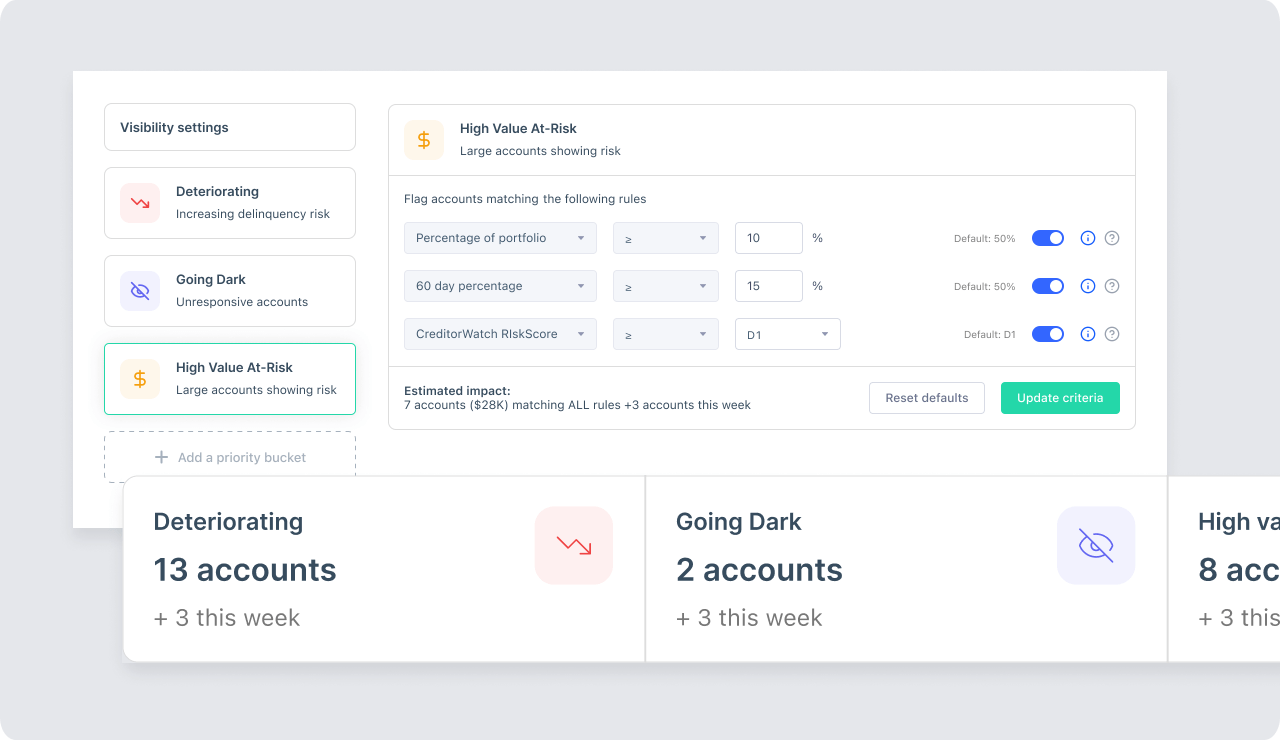
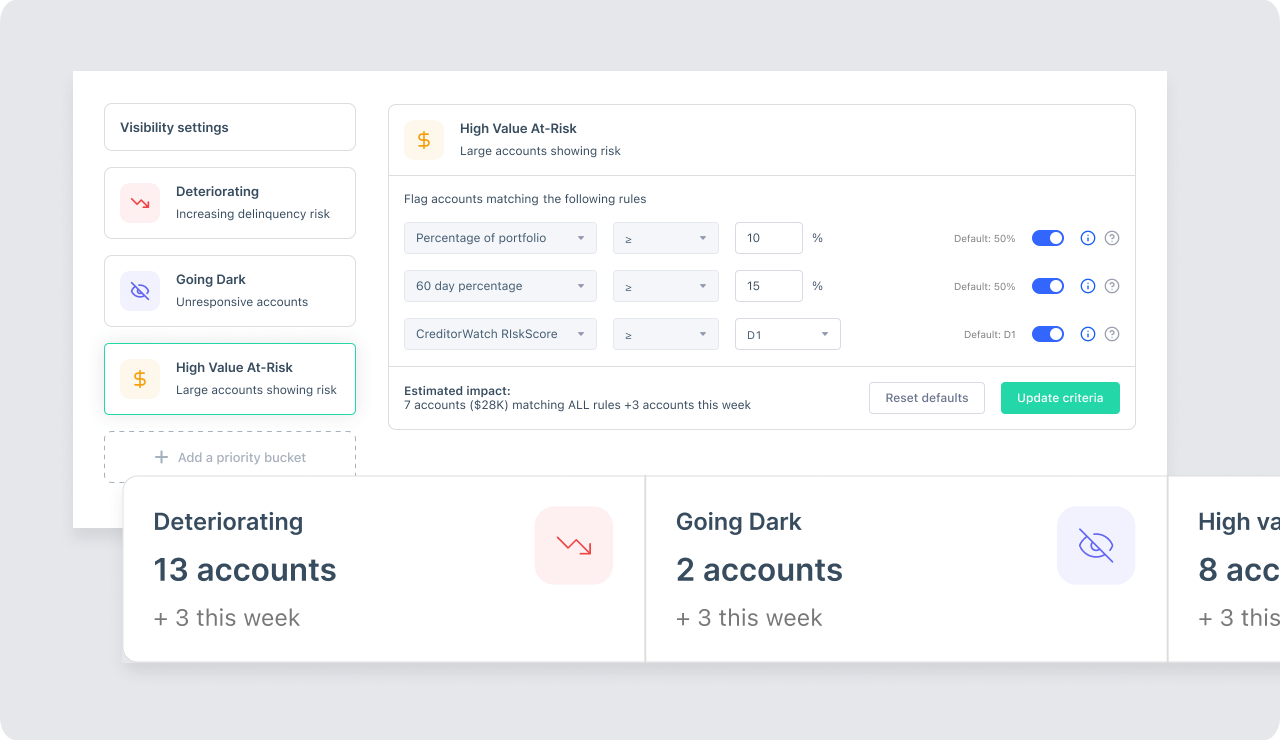
Risk profiling insights surface the smartest next actions
More reliable than a single data point like days overdue, and more nuanced than “gut feel,” Collect’s new risk profiling insights combine CreditorWatch’s unique commercial credit data with your customers’ payment behaviour for a more intelligent, accurate way to prioritise your collections.
Smart workflows
Coming Soon
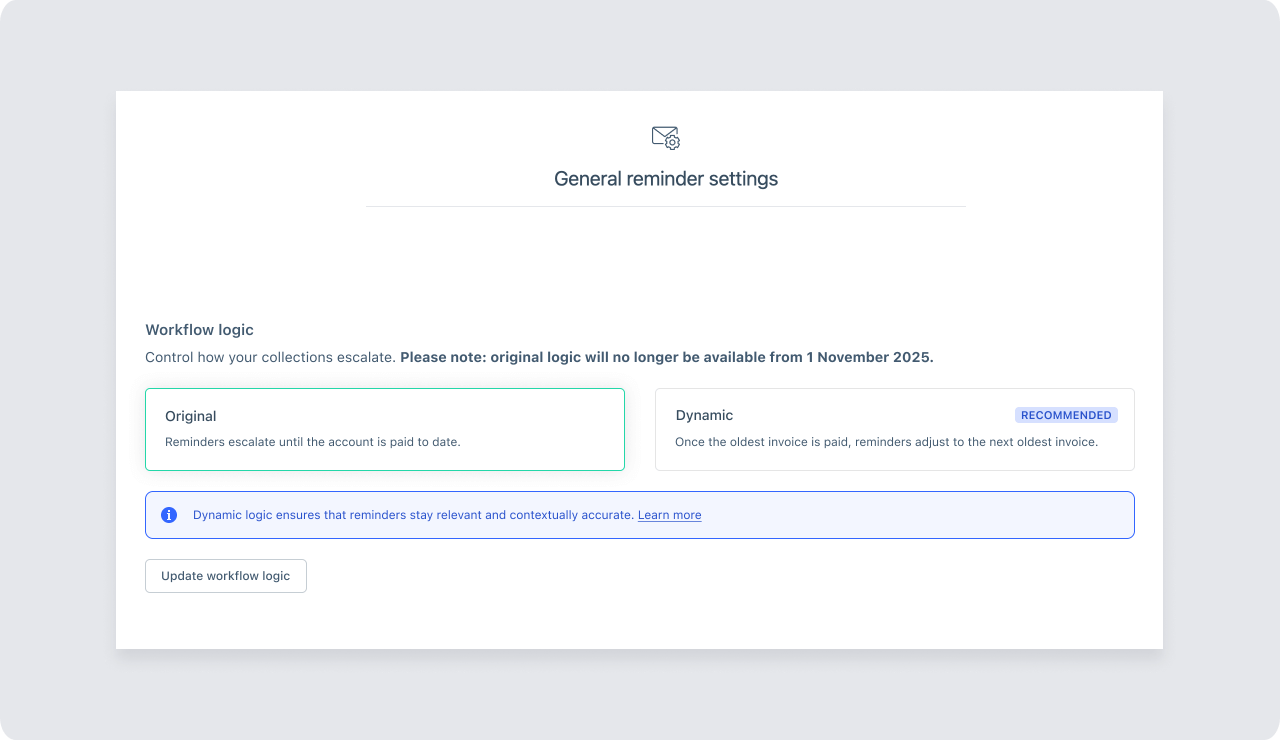
Smart workflows align to real-time payment behaviour
Smart workflows react dynamically to your customers’ latest payments, ensuring their next reminder and follow-up sequence are aligned to the current status of their account.
Now when your customer pays their oldest overdue invoice, smart workflows automatically adjust the workflow to reflect the true overdue age of the account, so reminder language and tone is always appropriate for that customer’s new status.
One-off email reminders
Coming Soon
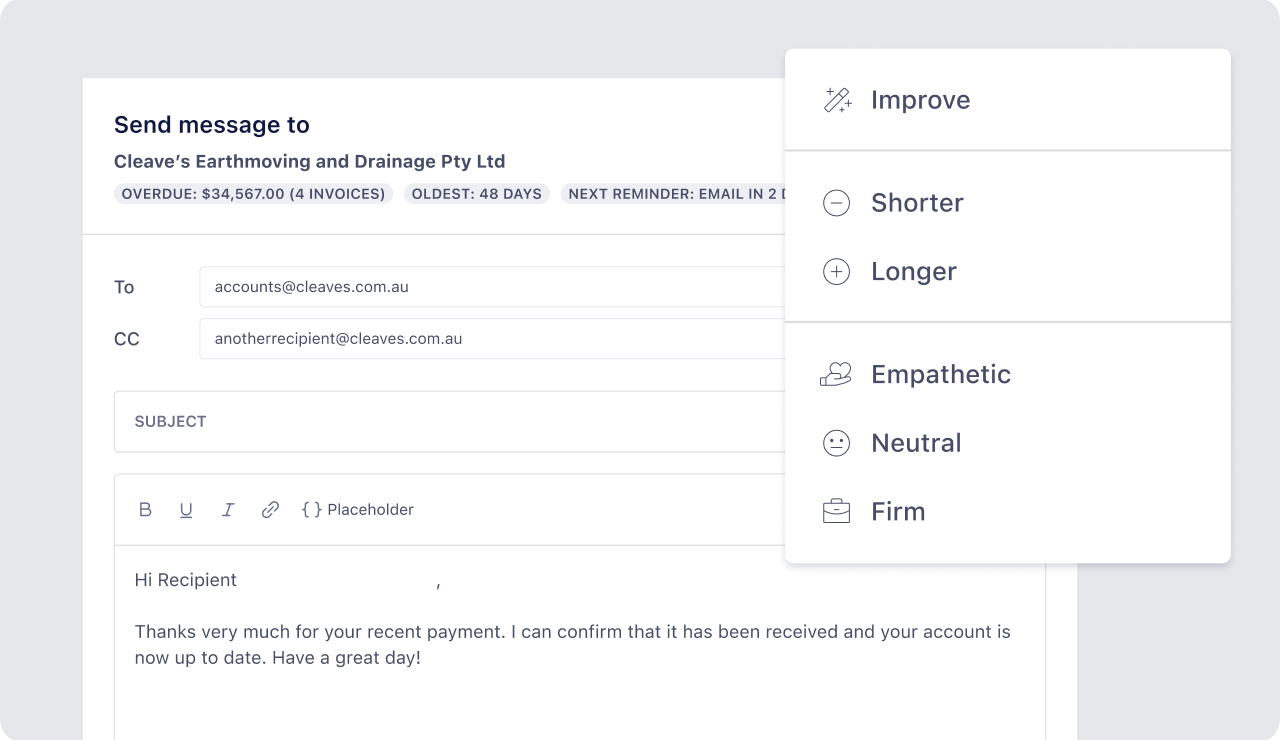
One-off email reminders for more flexible communication
Want to send an email to a customer outside of their assigned workflow? You can now do that without leaving Collect by setting up a custom email directly from the account detail page. No need to switch between applications or track down the latest exchange — all email communication is logged in Collect for a fully traceable contact history.
Onboard and Manage
Application status history previews in ApplyEasy, flexible filters in Debtor Management and DebtorLogic, and more context on RiskScore and cross-directorships in credit reports
For the latest in credit risk management, visit the Onboard and Manage February Innovation Roundup.